

BitLocker or Device Encryption.
Microsoft have been rolling encryption out for a while. For most users it means very little.
It is described as making your data secure from prying eyes. This is true. It sounds like a good thing.
BUT!! If you do not have your Key you could be locked out of you data.
Under normal circumstances you log in with your password or passcode, and all opens as it should.
If Windows thinks there is a possible security issue it can ask you for your BitLocker key.
This is a 48 characters long key which is required to unlock you drive.
It is not hackable and without it you could loose access to your data.
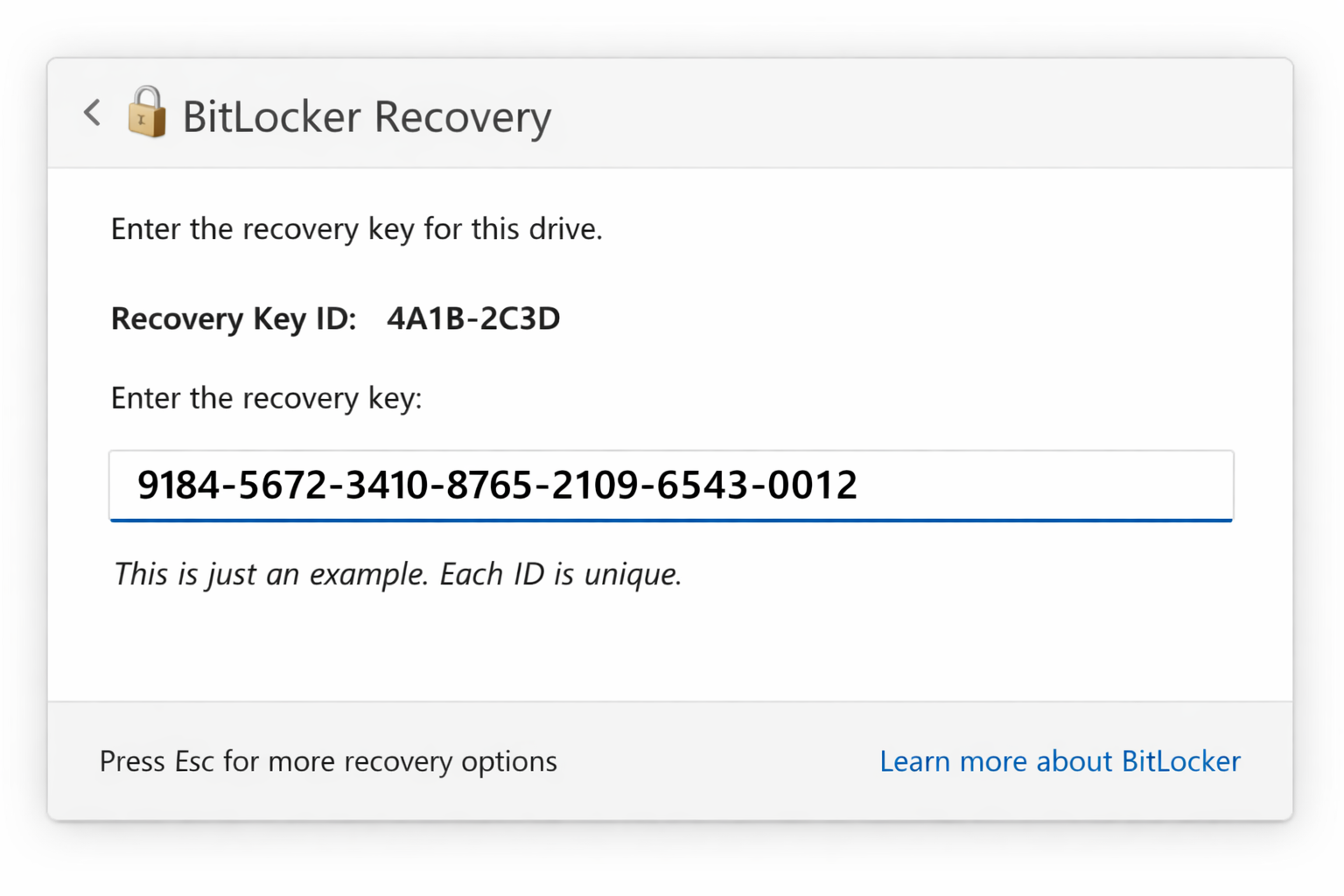
Windows requires you to enter this to ensure you are the owner of the drive. Without the Key you will never get into your machine and your data.
My concern is that most people have no idea what encryption is, what they key is or how to find it.
This video explains a bit about encryption and how to find out if its enabled on your machine.
The important thing to remember:
BitLocker is not something to be afraid of. It is designed to protect your data. The important thing is making sure you know where your recovery key is stored before you need it.